Data export
Export a client's complete record as a downloadable zip file containing PDFs and original documents.
In this guide, we'll cover:
What's exported
- Patient summary — demographics and contact information
- Clinical notes — all progress notes as PDFs
- Diagnoses — active and resolved conditions
- Treatment plans — goals, objectives, and interventions
- Intake forms — completed questionnaire responses
- Uploaded documents — original files (PDFs, images, etc.)
- Billing summary — invoice history
- Raw FHIR data (JSON) — optional; a machine-readable copy of the client's records, for imports into other systems
How to export
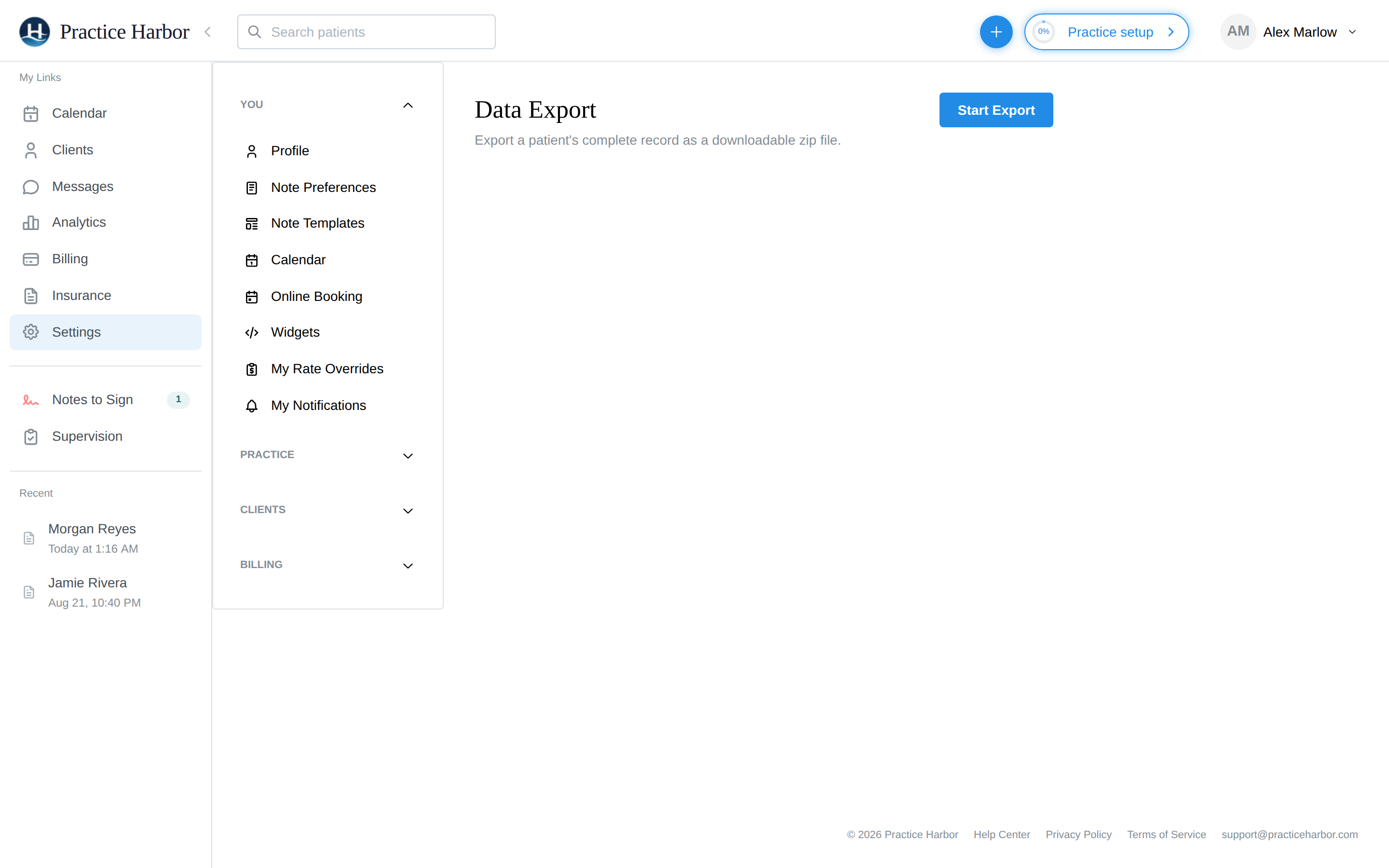
- Go to Settings > Data Export
- Search for and select the client
- Choose what to include (clinical notes, intake forms, documents, billing, and optionally raw FHIR data as JSON)
- Click Export
- The system generates PDFs and bundles everything into a zip file
- Download the zip file when it's ready
Exporting a couple, family, or group chart: below the client search, use Or export a couple, family, or group chart to export the shared chart's own record — the conjoint session notes and the unit's treatment plan — as its own bundle. This is deliberately separate: an individual client's export never includes the shared chart's notes, so releasing one partner's record never discloses the other's.
Recent exports
Previous exports are listed with:
- Date exported
- File size
- Status (Ready for download, Expired, or Failed)
- Download link (available for 7 days)